
Run a Shopify store? Give customers your loyalty card in Apple Wallet and Google Wallet.
Install free on Shopify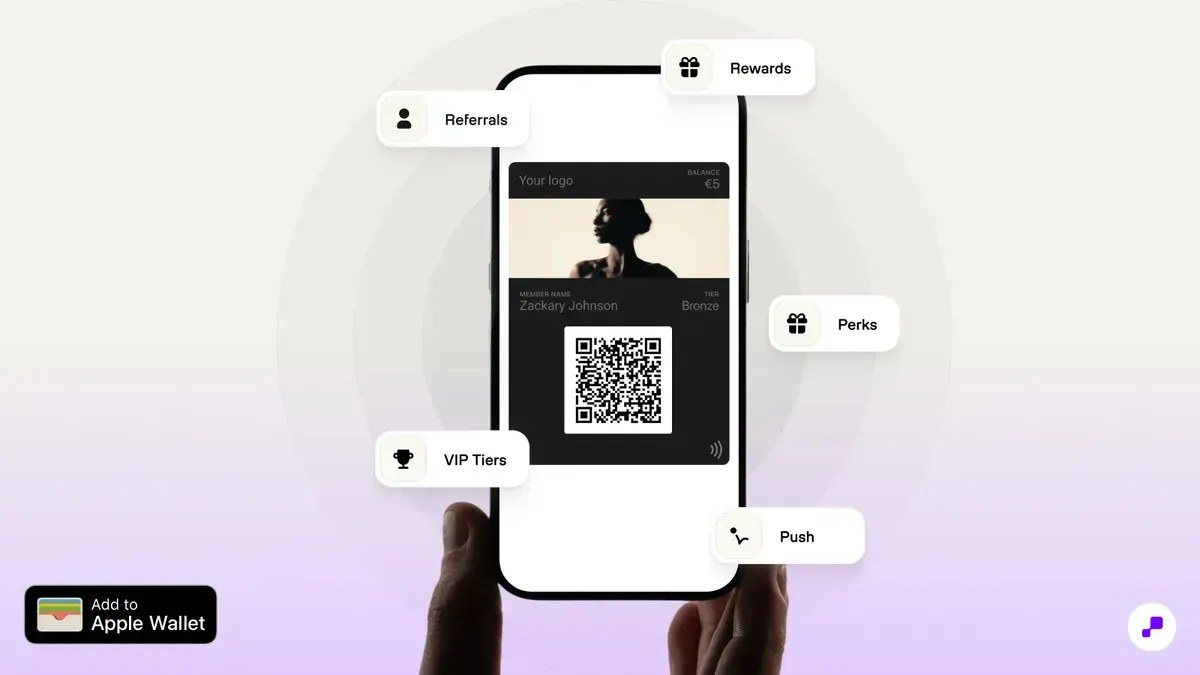
Apple Wallet does not let a store create a card from inside the Wallet app. A loyalty card is a pass file that a business issues and signs with an Apple Developer pass certificate, and that a server keeps updated. You can build that yourself with the Apple Wallet developer tools, but a Shopify store normally uses a wallet loyalty app that handles signing, updates and Google Wallet at the same time.
Before you choose an app, check that it updates the card automatically after each order, sends notifications to the pass, issues the card for Google Wallet too, and works with Shopify POS if you have a physical store. Those four decide whether the card stays useful after the first day.
The card is the front end of your program, so decide the program before the design. Keep the rule simple enough to say in one sentence, for example "1 point per dollar, 100 points for $5 off", and make the first reward reachable by the second or third order.
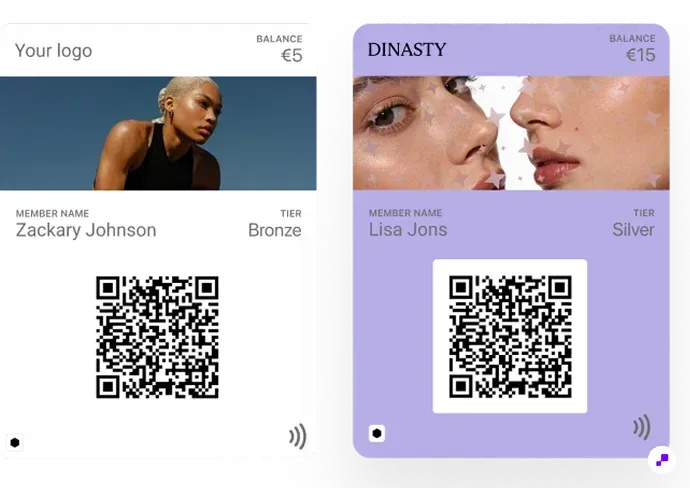
Add tiers if you want the card itself to change as customers spend more: a Silver and a Gold card look different in the wallet, which makes status visible. The ecommerce loyalty program guide covers program types and earn rates, and the points value calculator checks what a point costs you.
An Apple Wallet loyalty pass has a fixed layout: a logo and brand name at the top, a header image, a large primary field (usually the points balance), smaller secondary fields such as tier or next reward, and a QR code or barcode at the bottom. The back of the pass holds links and details.
In JeriCommerce you set the logo, colors and the balance label (Points, Stars, Coins), choose a QR code, barcode or NFC as the identifier, and can give each tier its own design. The back of the card has sections for rewards, the referral link, the customer profile and your own content, and Apple Wallet supports up to two action tiles that open your program pages or store.
Keep the logo simple, because it renders small, and put the one number customers care about, their balance, in the primary field.
A card nobody installs does nothing, so offer it everywhere a customer already is:
Email. JeriCommerce sends an automatic "Download loyalty card" email after sign-up, or you can put the one-time download link in your own Klaviyo or Shopify Flow emails.
Storefront and checkout. A storefront widget and a checkout extension offer the card on your site and during or after checkout. The download link can also be shown in the customer account.
In store. Print a QR code on packaging and displays. On Shopify POS receipts, a receipt QR code lets a new customer sign up and claim the points for that purchase.
On iPhone the customer taps "Add to Apple Wallet" and the card is installed, with no app to download. The same link gives Android users a Google Wallet card.
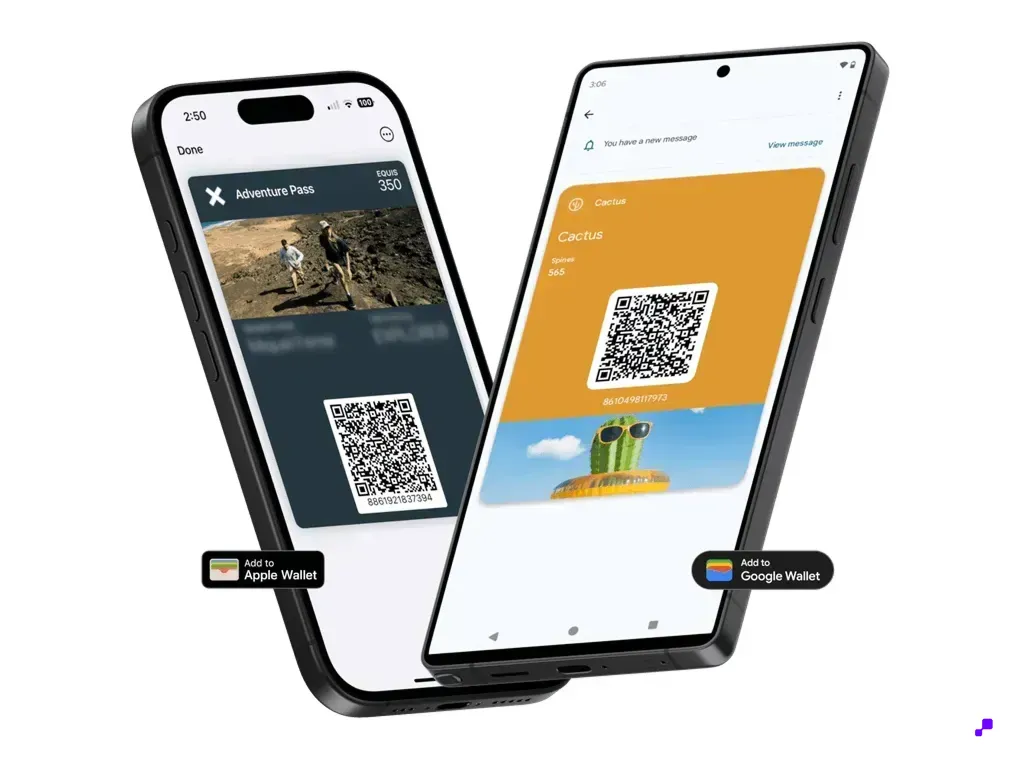
At the till, the customer opens the card and staff scan its QR code with the Shopify POS camera or a supported barcode scanner. The loyalty app loads the customer with their balance and rewards, staff complete the sale, and the points appear on the card.
NFC is an optional upgrade. A tap only works with an NFC reader that supports Apple VAS or Google Smart Tap, a pass configured for it and an integration that maps the tap to the customer; a terminal that accepts contactless payments does not read loyalty passes by itself. In JeriCommerce, NFC is available on the Advanced and Enterprise plans.
Keep QR scanning as the fallback even when NFC works, test the flow at the real counter, and train staff on one line: "Do you have your loyalty card on your phone?" For more on selling online and in store, see the omnichannel loyalty program guide.
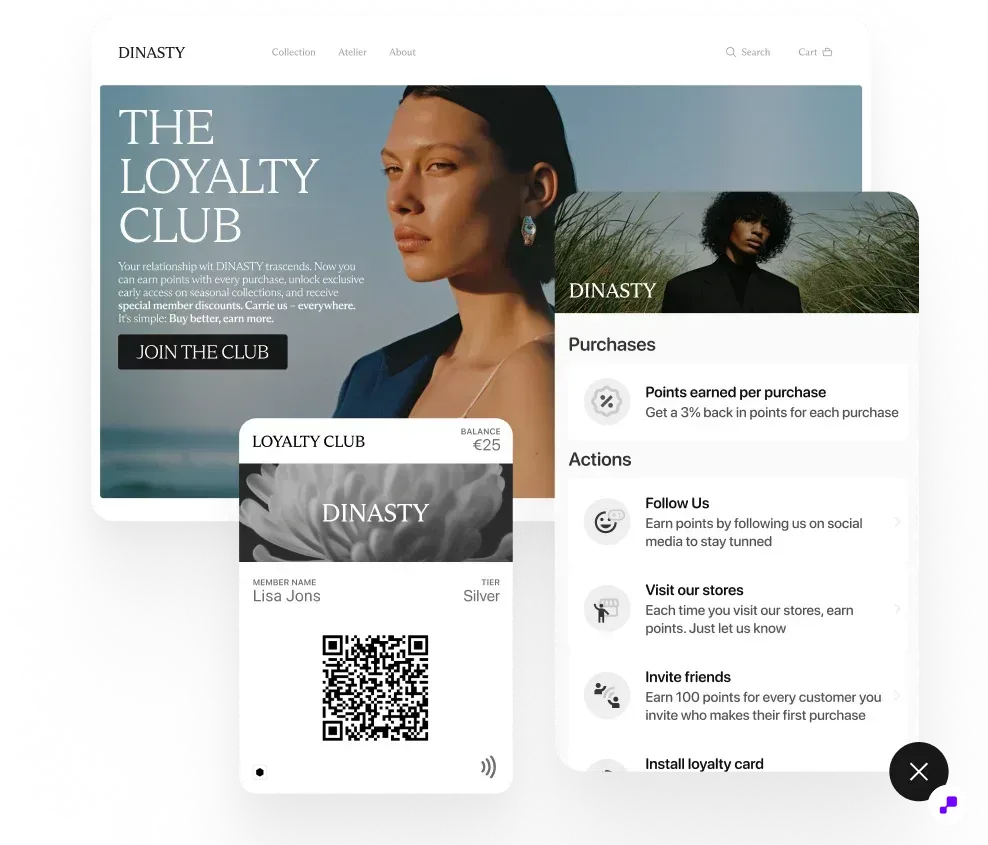
The advantage of a wallet card over a plastic card or an email is that it changes. When the balance, tier or available rewards change, the pass updates and can show a notification on the lock screen. JeriCommerce sends these automatically for balance changes, tier changes, unlocked rewards and completed referrals, and you can schedule campaigns or trigger messages from Shopify Flow or Klaviyo.
Location notifications can show the card near your stores. On Apple Wallet a custom message appears when the customer is roughly 70 to 80 meters away with Precise Location on; Google Wallet shows its own "Nearby" message.
Measure customers with the card against customers without it: repeat rate, average order value and redemption rate. The retention rate calculator and the loyalty ROI calculator turn that comparison into a decision.
Creating an Apple Wallet loyalty card on Shopify takes an afternoon with the right app: define points and rewards, design the pass, offer the add-to-wallet link by email, on site, at checkout and on receipts, and scan it at Shopify POS. The work after launch is getting cards installed and comparing members who have one with those who do not.
JeriCommerce creates Apple Wallet and Google Wallet loyalty cards for Shopify, with automatic updates, push notifications and Shopify POS scanning.
Branded Apple Wallet and Google Wallet cards with automatic updates, push notifications and Shopify POS scanning. Free plan available.
Install free on Shopify